Table of Contents
Unlock the Full Power of Rabata Cloud Storage
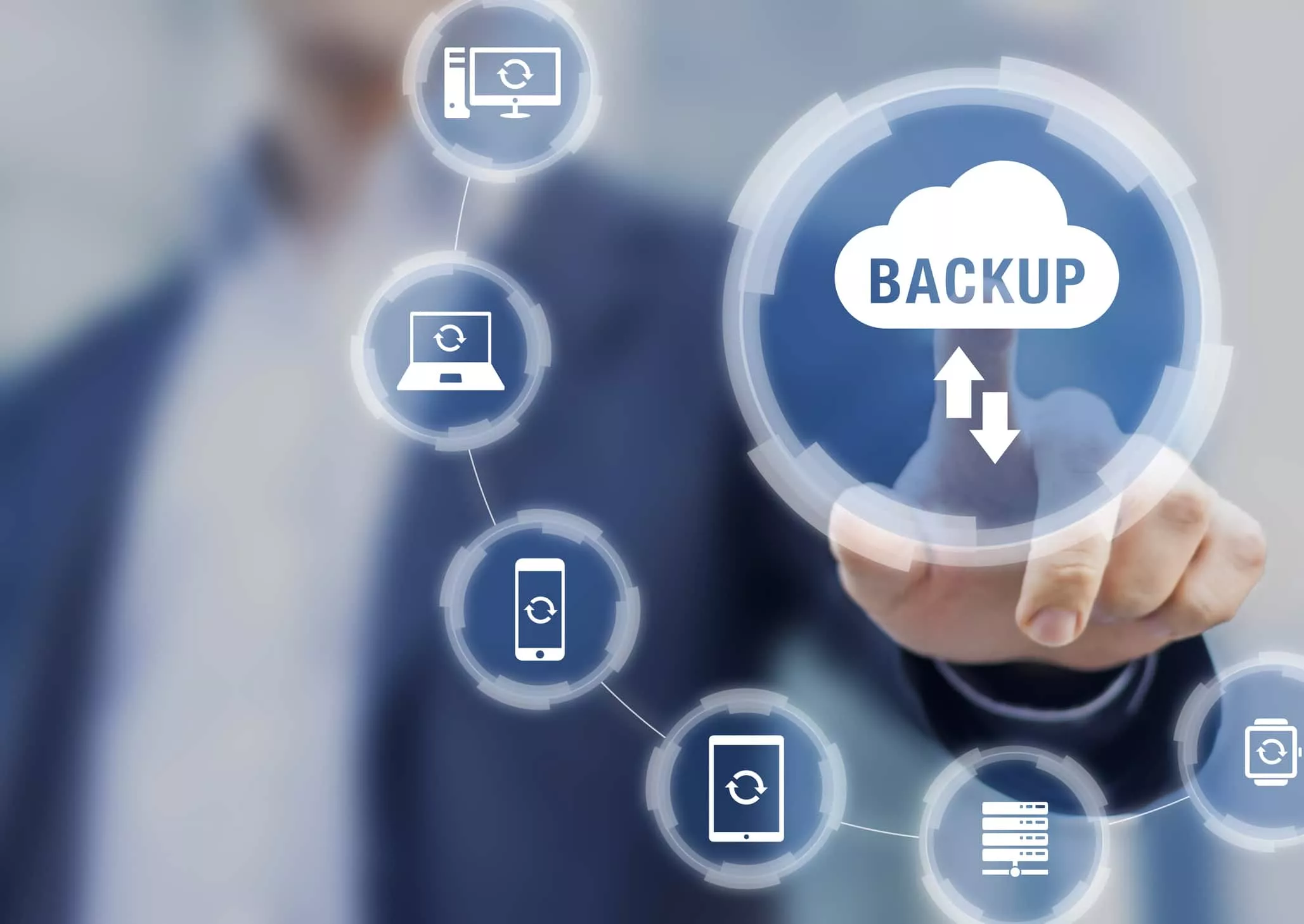
Imagine never worrying about losing a single file on your computer again. With Rabata’s automatic backup, your files and folders quietly slip away from your hard drive and land safely in the cloud-where they can stay protected and ready for you at any moment. Accidentally deleted something? No problem. Our file versioning and rewind features let you time-travel back to previous versions or recover deleted files as if nothing ever happened.
Sharing files can sometimes feel like organizing a secret spy operation. Thankfully, Rabata simplifies this with password-protected links that self-destruct after a set time. You can send those links to anyone, even if they’re not Rabata users. No sign-up drama, no fuss-just easy, secure access to your files.
Need to collect files from others without the usual back-and-forth? Create a file request folder in Rabata and invite people-even those without Rabata accounts-to upload documents directly to your cloud. It’s perfect for gathering reports, assignments, or anything else you need, all neatly in one place.
Rabata isn’t just about storage-it’s your collaboration HQ. Share folders with teammates, sync files across everyone’s computers, and watch as every edit happens live, syncing seamlessly through the cloud. When simple file sharing isn’t enough, jump into our built-in chat and meetings to clear up questions, brainstorm ideas, or simply hash out details face-to-face via video calls and screen sharing. Collaboration has never been this smooth-or this fun.
Secure Cloud Storage for Windows and Microsoft 365 Users
OneDrive: Seamless Storage Across Devices
OneDrive shines as the go-to cloud storage for Windows lovers and Microsoft 365 fans. It’s not just about saving files-it’s about making your digital life smoother. With apps for Windows, Mac, iOS, Android, even Xbox, your documents follow you everywhere like a loyal pup.
OneDrive includes top-tier Office apps - Word, Excel, PowerPoint, Outlook - plus the Copilot AI assistant. So you’re not just storing files; you’re working smarter, faster, and sometimes even cooler.
Pros of OneDrive
- Personal Vault for ultra-secure storage of sensitive documents like passports or insurance - locked down with encryption and biometric access (face recognition, fingerprint, and more).
- Built-in Microsoft Office apps and AI-powered Copilot to boost productivity right inside your cloud.
- Cross-platform support ensures you’re connected whether on Windows, Mac, mobile, or even Xbox.
Cons of OneDrive
- Maximum storage is 2TB per user, which might feel a bit tight if you’re a data hoarder or photographer with a lot of RAW files.
The 2TB maximum can be a pinch. While OneDrive’s plans technically top out at 6TB, that’s split as 1TB per user for six people. If you’re flying solo or want more space for yourself, you can add 1TB increments, but for some, that cap feels like a speed bump.
Still, when comparing just storage space, OneDrive might look like it’s playing catch-up to Apple iCloud, which offers plans up to 12TB, generously paired with Apple Music and Apple TV+. But capacity only tells part of the story.
OneDrive packs a serious punch with Microsoft's Office suite buried deep in the platform. For students, professionals, and businesses, accessing Word, Excel, PowerPoint, and Outlook alongside a smart AI assistant makes OneDrive more of a productivity powerhouse than just a dumb storage bucket.
The Personal Vault deserves a shout-out of its own - it’s like having a digital safe inside your cloud locker. Microsoft recommends storing important personal documents there, which is a godsend for frequent flyers or folks who want an easy way to keep sensitive files ultra-secure without extra apps.
Plus, OneDrive isn’t a lone wolf; it plays nicely with Zapier. This means you can automate like a pro - back up new Gmail attachments directly to OneDrive, sync your Google Drive files without lifting a finger, or hook up your bookkeeping documents to Lexware Office automatically. It’s all about working smarter, not harder.
Popular OneDrive Automations
- Save new Gmail attachments to OneDrive
- Upload new documents from OneDrive to Lexware Office for bookkeeping
- Copy files automatically from Google Drive to OneDrive
As for pricing, OneDrive gives you 5GB on the house. Need more? 100GB costs $1.99 per month, 1TB goes for $9.99, and a 6TB shared family plan (six users with 1TB each) is $12.99 monthly. Considering the power of Office apps bundled in, that’s a pretty sweet deal.

Recover Your Files Effortlessly
Accidental deletions? Lost data? Premature updates? No sweat. Rabata’s secure cloud storage has your back with reliable file recovery and version history that keeps your work safe and sound. Whether you mistakenly deleted a file or need to rewind to an earlier draft, you can restore it quickly and smoothly.
By default, Rabata stores all your individual files along with their previous versions for a full 30 days. And if you’re rocking one of our Standard, Advanced, or Enterprise plans, that window stretches out to 180 days. That’s plenty of time to catch mistakes, revisit ideas, or simply breathe easy knowing your data is protected.
Professional Plan Features
Tailor-made for teams that demand flexibility and security, the Professional plan by Rabata lets you customize the number of users with absolute freedom. Whether it's just a handful or a hundred, the choice is all yours.
Need more space? No problem. You can easily adjust your storage allocation to fit your growing needs, making sure your data always has a cozy and secure home.
When it comes to transferring data, size does matter. With Rabata's Professional plan, you can send up to 250 GB in one go. That’s enough for your entire project backlog or a few seasons of your favorite TV show-choices are abundant.
Security isn’t just a buzzword here. Rabata delivers enterprise-grade protection, ensuring your data stays locked up tighter than Fort Knox, but with way better access for authorized users.
Integrations with top-tier security solutions mean your storage doesn’t just sit there-it interacts, protects, and adapts within your existing security ecosystem seamlessly.
And because even superheroes need backup, Rabata provides live support from dedicated experts who know their stuff and are ready to solve issues faster than you can say 'cloud glitch.'
Secure Cloud Backup with Rabata
Relax knowing your precious files are in good hands. Rabata isn’t just another cloud storage - it’s your personal data fortress. Whether it’s important documents, cherished photos, or those videos you keep replaying, Rabata safeguards everything seamlessly.
No need to stress over losing hardware or accidental deletions. With Rabata, your backups stay updated and accessible. It’s like having a digital insurance policy that works quietly in the background, ready to restore your data when you need it the most.
Reliable and Affordable Offsite Backup Storage
Looking for a secure spot to stash your backups without breaking the bank? Rabata’s offsite storage has got you covered. It's not just affordable - it’s insanely affordable. You get rock-solid protection for your data, ready to be accessed whenever you need it.
Worried about whether your backups actually work? No problem. Rabata lets you test your copies anytime, so you know your data is safe and sound. And the best part? Retrieving your files won’t cost you a dime beyond your plan.


Comments