Table of Contents
Simple, Secure Backup and Recovery with Rabata Cloud Storage
Backup management can feel like juggling flaming torches, especially when hybrid or multi-cloud environments come into play. Rabata’s secure cloud storage platform takes the heat off your shoulders. Designed to streamline backup and recovery across on-premises setups and the cloud, Rabata makes safeguarding your data almost too easy.
Automate Backup and Recovery with a Single Click
Imagine pressing one button and having all your business-critical applications backed up and ready for recovery without a hitch. Rabata’s platform delivers exactly that - application-consistent backups that avoid the dreaded half-recovered app scenario. It’s automation that feels almost like magic, but with real tech.
Backup and Recovery Made Effortless
Why wrestle with complicated installations, fiddly upgrades, or endless manual management? Rabata’s cloud storage service lets you define backup policies and then quietly handles the rest behind the scenes. Whenever disaster strikes, your data springs back, thanks to reliable backup and recovery tuned for today’s complex IT needs.
Unified Control Across All Your Data
Whether your applications live on-premises or float in public clouds, Rabata offers a unified dashboard that puts complete control at your fingertips. No more bouncing between different tools or consoles - it’s all one place, making data management smoother than your morning coffee.
Ransomware-Proof Your Data Backups
Ransomware tries to lock down your data, but Rabata locks your backups down tighter. With true immutability and air-gapped copies, your backups stay safe even when hackers try their tricks. Less downtime, less data loss, more peace of mind.
Agentless, Impact-Free Backups
Agents can be a pain: complex, resource-hungry, and prone to fail. Rabata’s agentless backup uses native snapshots and purpose-built features in one slick platform, so your business doesn’t skip a beat during backup windows.
Always-On Monitoring and Assurance
Have you ever wished you could peek behind the scenes to make sure backups actually work? Rabata does just that with continuous monitoring and backup assurance. Know your data’s safe and ready to recover, without the nail-biting suspense.
Explore Top Backup Solutions in the Market
While Rabata covers your cloud storage needs with flair, it’s good to know the landscape of backup software out there. Here’s a quick tour of some leading solutions to give you the lay of the land.
Veeam: Flexible Recovery Across Clouds
- Offers a fast, granular recovery with portable data format, meeting RPO and SLA requirements while keeping cloud mobility in mind.
- Supports immutable storage for peace of mind against cyber threats.
- Manages AWS, Azure, Google Cloud, Kubernetes, and Microsoft 365 data effortlessly.
- Restores entire workloads quickly, aiming for near-zero recovery time objectives.
Rubrik: Zero Trust Data Management
Rubrik brings cyber threat protection across physical, virtual, and cloud environments using air-gapped, immutable backups. It automates backup jobs, replaces countless policies with just a few, and retrieves individual files fast enough to make downtime a thing of the past.
- Protects enterprise data from ransomware with immutable file systems.
- Automates backup policies to simplify data protection.
- Extends protection to cloud storage for archiving.
- Enables lightning-fast file-level recovery across environments.
Nakivo: Enterprise Backup Made Simple
Nakivo shields thousands of virtual and physical machines across the globe. It bundles backup, replication, monitoring, and disaster recovery into one solution. This easy-to-manage software keeps your business humming with features that save time and resources.
- Covers virtual, cloud, physical, and SaaS environments in one platform.
- Provides immutability and malware scanning to keep ransomware at bay.
- Supports instant VM booting and comprehensive recovery options.
- Automates workflows to save both clicks and stress.
- Delivers enterprise features without enterprise price tags.
Cohesity: Break Down Data Silos
Cohesity’s platform simplifies your backup by unifying data spread across locations and clouds. With powerful search and instant restoration, plus flexible management options, it’s designed to get your data back in a flash while controlling costs.
- Single UI to manage backups across diverse environments.
- Automated policies aligned with demanding service levels.
- Options for self, partner, or Cohesity-managed solutions.
- Instant restore to any point in time through hydrated snapshots.
- OpEx-friendly models eliminating hardware headaches.
- Applications for compliance, analytics, and ransomware defense.
Druva: Cloud-Native Data Protection
Druva’s enterprise cloud backup shrinks data protection costs by using source deduplication and central cloud storage. It optimizes your network and storage while providing a powerful suite for disaster recovery, compliance, and threat detection.
- Backup replication across multiple AWS zones for compliance.
- Supports a vast ecosystem including VMware, Microsoft 365, Salesforce, and more.
- Stops ransomware spread with encryption and alerting.
- Simplifies file search and immediate restoration with auditing capabilities.
Acronis Cyber Protect: Backup Meets Cybersecurity
Acronis combines backup with cutting-edge anti-ransomware tech for comprehensive, reliable protection across physical, virtual, cloud, and mobile platforms. Machine intelligence and blockchain notarization add robust layers of defense and rapid recovery capabilities.
- Backs up files or entire systems with bare metal restore support.
- Supports NAS, SAN, tapes, public clouds, and migration across hypervisors.
- Features Universal Restore for flexible disparate hardware recovery.
- Deduplicates to save storage and uses AI to avoid restoring infected files.
Commvault: Enterprise Data Protection Powerhouse
Commvault covers all bases with a platform that secures, backs up, and speeds up recovery for all your workloads. Proactive threat defense, ransomware protection, and built-in encryption make it a solid choice for enterprise resilience.
- Detects intrusions early to keep data safe.
- Delivers rapid, scalable recovery and lower total costs.
- Enables granular data recovery and virtual machine instant restores.
- Supports a wide range of workloads including containers and cloud environments.
Unitrends: All-in-One Backup Appliance
Unitrends’ prepackaged virtual appliance offers backup, replication, deduplication, archiving, and instant recovery. Deploy anywhere you like - on VMware, Hyper-V, XenServer, or your favorite public clouds.
- Centralized management for thousands of backups with minimal clicks.
- Forever Cloud partnership for long-term retention and DR-as-a-service.
- Advanced AI-driven ransomware detection keeps threats at bay.
- Adaptive deduplication reduces storage and bandwidth needs.
Veritas NetBackup: Enterprise-Grade Multi-Cloud Backup
Veritas harnesses automation, AI, and elastic architecture for optimized data management on-premises and in the cloud. Supporting Kubernetes and boasting thousands of APIs, it’s engineered for complex enterprise environments.
- Native Kubernetes support for critical cloud workloads.
- 200+ APIs for automation and integration.
- Features like deduplication, image replication, and tiering for efficient storage.
- Supports workload migration across AWS, Azure, and Google Cloud.
Barracuda Backup: Set It and Forget It Protection
Barracuda Backup protects diverse environments with a robust 'set it and forget it' approach. High-grade encryption, offsite vaulting, and versatile restore options keep your data safe and downtime minimal.
- 256-bit AES encryption for data in transit and at rest.
- Long-term offsite backup vaulting.
- Fast recovery and cloud-boot options for VMware and Hyper-V.
- Variable block deduplication reduces storage and backup costs.
Novastor DataCenter: Scalable Enterprise Backup
Novastor offers an enterprise backup solution built on a distributed system that can scale to petabytes of data. Fault tolerance and failover ensure your critical data stays safe and restorable.
- Supports physical and virtual devices, including Hyper-V and VMware.
- Enables restoration to dissimilar hardware with flexible options.
- vCenter and Hyper-V cluster support for high availability and performance.
Data Backup Strategies You Can Trust
Backing up your files isn’t just a good idea - it’s essential. But with so many backup options out there, how do you pick the right one? Choosing wisely means creating a data backup plan that fits your needs like a glove. To help, we at Rabata have highlighted six proven backup methods that you can count on.
Removable Media Backup
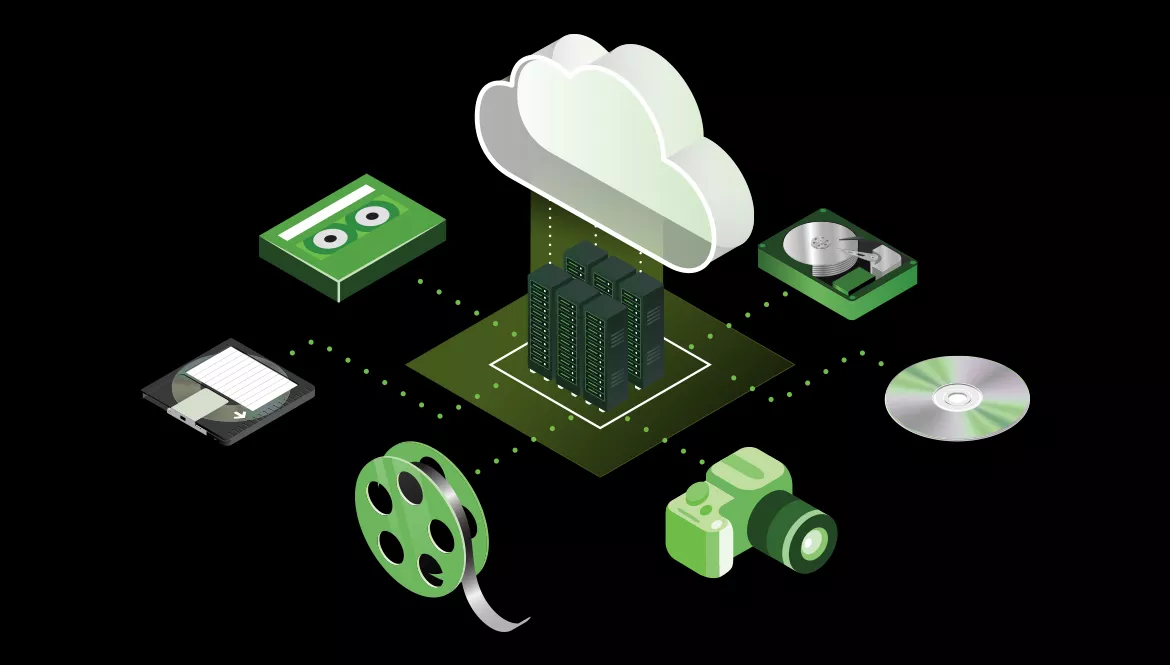
Removable media, such as CDs, DVDs, and flash drives, might seem old-school, but they’ve earned their place in the backup hall of fame. Affordable and user-friendly, these little gadgets make data protection accessible to everyone. You can easily tuck them away in a safe deposit box or stash them off-site, adding an extra layer of security when disaster strikes.
That said, they come with a few quirks. Storage capacity is limited, so bigger backups mean juggling multiple discs or drives like a backup circus performer. On top of that, removable media can be delicate - scratches, heat, moisture - all are waiting to sabotage your precious data. And if you’re in a hurry, the slow data transfer speeds might test your patience.
If you want a straightforward, cost-effective, and portable way to back up a modest amount of data, removable media can do the trick. But for bulkier storage or faster backups, it’s wise to explore other options offered by Rabata.
Redundancy: Your Safety Net
Redundancy is all about having backup for your backup. Multiple copies of your data spread out over different locations or devices dramatically reduce the chances of a catastrophic data loss. Whether it's hardware failure or an unexpected disaster, redundancy keeps your data safe and accessible.
One hot favorite in this realm is RAID technology. RAID connects several hard drives to act as one unit, splitting - or mirroring - your data across them depending on the RAID level. For example, RAID 0 gives you a speed boost but no redundancy, RAID 1 mirrors your data across two drives for safety, and RAID 5 cleverly balances speed with redundancy by distributing data and parity across multiple drives.
The level of redundancy you need depends on how critical your data is and how much you’re willing to invest. Rabata advises opting for more protection when backing up mission-critical files because, when it comes to data loss, better safe than sorry.
External Hard Drives for Quick and Easy Backup
External hard drives combine convenience and capacity in a neat little package. Plug them into your computer via USB or other ports, and you've got a massive storage space ready to gobble up your files. They’re portable, making it simple to move backups off-site - a smart move for added security.
But don’t get too relaxed just yet. External hard drives can get hurt - dropped, stolen, or simply suffer mechanical failures. They’re not invincible, and a broken drive means broken backups. Plus, if you need redundancy, be prepared to shell out for multiple drives, which can add up.
For anyone looking for a handy, reasonably quick backup without jumping into complicated setups, external hard drives are a solid choice. Rabata always recommends pairing them with additional redundancy measures to keep your data extra safe.
Hardware Appliances for Enterprise-Grade Backup
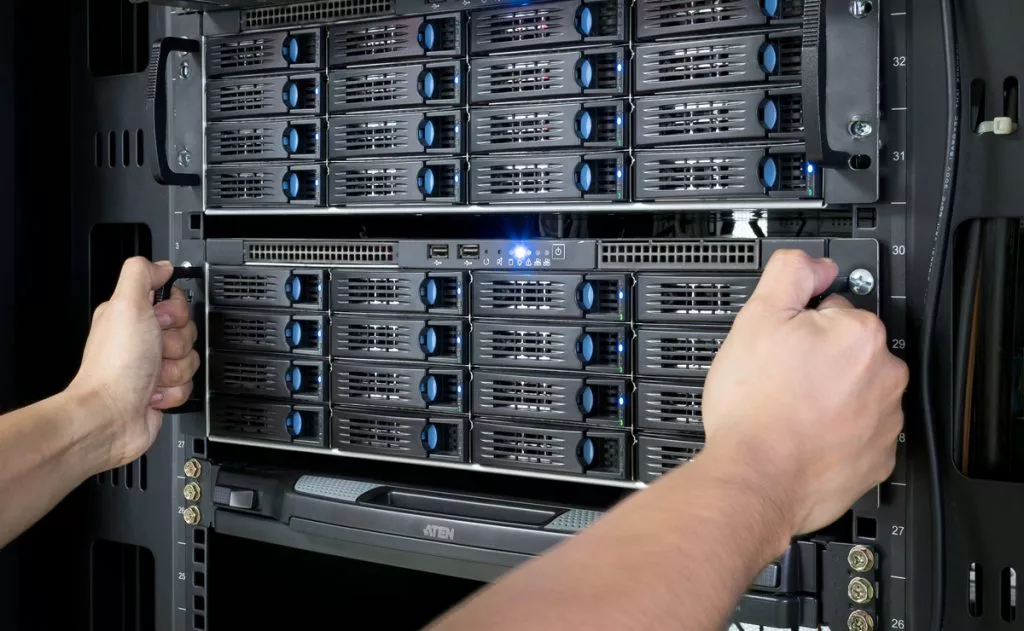
Hardware appliances are the champ backup devices designed with one purpose - backing up your data like a pro. These devices often come loaded with backup software, supporting everything from hard drives and tape drives to cloud storage. They’re an all-in-one package offering features like data deduplication, encryption, and automated scheduling.
What puts hardware appliances ahead? The ease and convenience of an integrated system that just works. Setup and management become less of a headache, while features like encryption pump up your data’s security. Plus, many hardware appliances let you send backup data to multiple spots, making redundancy and off-site storage a breeze.
The downside? Price. These appliances can be a hefty investment, especially for smaller businesses. Technology moves fast, too - you might find yourself needing to upgrade to keep pace, turning your fancy device into a costly paperweight.
For businesses craving a secure, manageable, and comprehensive backup solution, hardware appliances rank high. Rabata suggests weighing the costs and future-proofing before jumping in.
Backup Software: The Brain Behind the Backup
Backup software is the unsung hero that automates and smooths out the entire backup process. From free basic tools to advanced commercial suites, there’s software match-made-for-everyone. The right program ensures backups are timely, secure, and recoverable when you need them.
Keep an eye out for these feature stars:
- Automation: Let your backups run on autopilot with scheduling that never forgets.
- Incremental and differential backups: Save only the changes since last time to save space and time.
- Encryption: Lock down your data with encryption, so prying eyes stay out.
- Compression: Shrink your backup size so your storage doesn’t bloat.
- Multiple backup destinations: Spread out your backups to avoid a one-point-of-failure disaster.
While many backup software options are free, paid versions often reward you with extra features, faster backup speeds, and dependable support. If your backup needs get complex, Rabata recommends investing in these professional tools to keep your data game strong.
Cloud Backup Services: Your Data’s Online Fortress
Cloud backup services have transformed how we protect our files by storing data off-site on remote servers managed by specialists. With just an internet connection, you can access your backups anywhere, anytime - a dream come true for busy professionals and businesses alike.
These services usually offer robust security features, including encryption and redundancy, so your data isn’t just floating in the cloud but locked tight and safely duplicated. Plus, scaling storage up or down is simple and flexible, allowing you to pay only for what you use.
But don’t get starry-eyed. The internet is also a playground for cyber risks. Even with strong protections, the chance of misconfigurations or unauthorized access means vigilance is key. And as your data grows, so can your cloud backup costs, another factor to consider.
Why Data Backup Matters for Your Business
Backing up your data is not just a good habit - it’s the lifeline of your business. Imagine losing everything in a blink: files, customer info, crucial reports. That’s exactly what happens when hardware crashes, software goes haywire, or someone accidentally deletes key data. Rabata’s secured cloud storage steps in as your safety net, protecting your information against these mishaps and even the sneakiest cyberattacks.
With Rabata, your backed-up data is ready for action whenever you need it. Quick recovery means your business keeps humming along with almost no downtime. No awkward pauses, no lost opportunities. In short, a solid backup strategy with Rabata keeps your operations smooth and your mind at ease.
Enterprise Backup Solutions: Secure Your Data Like a Pro
What an Enterprise Backup Solution Actually Does
An Enterprise Backup Solution is not just some tech buzzword. It’s a solid, no-nonsense system designed to keep your most critical business data safe and sound. Think of it as a digital bodyguard that never sleeps, ready to jump into action whenever your files face threats like deletion, corruption, or cyber-attacks.
These solutions go beyond simple backups. They create a safety net for your company’s essential data, making sure that if disaster strikes - whether it’s a system crash, a sneaky hacker, or just a small human error - your information can be restored swiftly and smoothly. Rabata’s secure cloud storage service enhances this process by ensuring your data stays intact and accessible without any hassle.
Reliable System Protection with Rabata
| System Protection is like your PC’s safety net, tirelessly guarding Windows’ vital system files and settings. It does this by capturing restore points - think of them as time-stamped snapshots of your system’s health at a specific moment. If things take a wrong turn, whether due to a buggy update, misbehaving software, or that mysterious driver glitch, these restore points let you roll back to a safer time without panic. Rabata’s approach ensures these snapshots aren’t left to chance. The system automatically saves restore points before big events like software installations or updates, so you always have a safety cushion if the unexpected happens. But it doesn’t stop there-you can also create your own restore points whenever you feel the need for extra peace of mind. Installing new hardware or tweaking system settings? Just make a manual snapshot before you dive in. What’s more, you control the space System Protection uses for these restore points. This flexibility means you can balance between keeping plenty of backups and managing your storage wisely. With Rabata’s System Protection, you get a dependable shield that keeps your PC stable, cuts down on downtime, and reduces the chance of losing precious data. |
- System Protection
- System Restore
Effective Data Backup Strategies
Almost every serious organization has disaster recovery plans locked and loaded, just in case a cyber gremlin sneaks in and wreaks havoc. A major piece of this puzzle is regular data backups. These backups stash away your precious data in secure digital vaults, far from the reach of hackers and their sneaky tactics.
To keep things running smoothly, backup schedules usually kick in during quiet hours - mostly at night when the office lights are off and everyone is dreaming about their email inbox instead of facing it. A vigilant Backup Administrator watches over this process like a hawk, ensuring data moves safely to its secure hideout.
Key to smart backup plans are two abbreviations you'll want to know and love: RPO and RTO. These aren't secret codes; instead, they're your best friends when disaster strikes.
- RPO (Recovery Point Objective): Simply put, it’s how much data you’re willing to kiss goodbye if disaster hits. It hinges on backup frequency. For example, if your system backs up data once a day, your RPO is 24 hours - meaning you could lose up to a day’s worth of changes.
- RTO (Recovery Time Objective): This tells you how fast you can get your data back in action. The shorter the downtime, the better, because no company loves being stuck twiddling their thumbs while waiting for files to reappear.
But don't stop at just timing and tolerance. Your backup strategy must map out the full scope-what data gets saved, when, and with which tools. Rabata’s cloud storage solutions make setting up reliable, automated backups a breeze, ensuring you never have to worry whether your data is safe or just floating somewhere in the digital abyss.

Comments